When it comes to choosing the right productivity suite for your business, the stakes are high. This is the tech you’re going to use everyday after all! Your team needs the tools that seamlessly empower them to do their best work, making collaboration and communication simple while keeping your data secure. For business and IT leaders it often comes down to one key comparison: Google Workspace vs Microsoft 365.
Both platforms offer a range of essential features and have evolved to meet the demands of customers in recent years, but there are key gaps to consider that might make all the difference. Whether you’re considering a move away from Google Workspace or weighing up your options from scratch, this guide will help you make an informed decision.
Google Workspace vs Microsoft 365
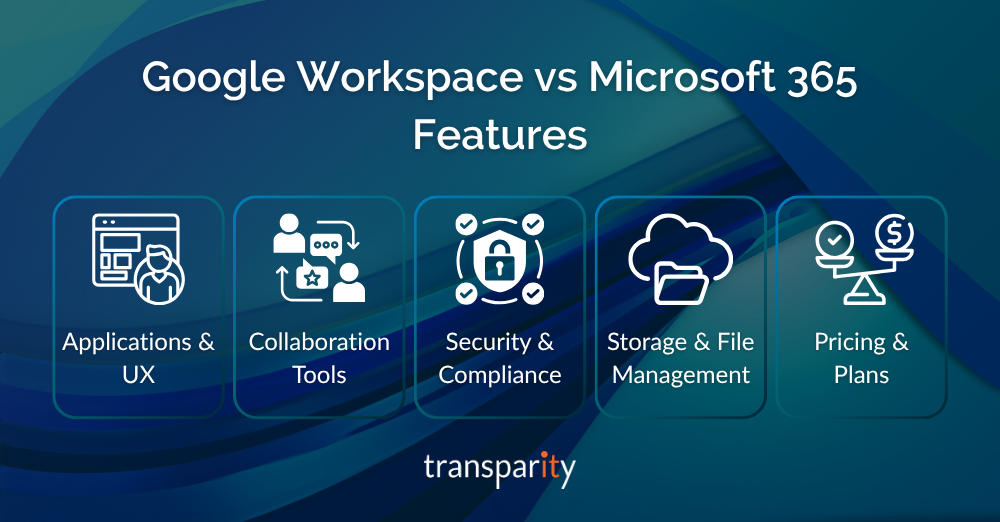
Applications & User Experience
Google Workspace might be familiar to your users from personal use. Gmail, Google Docs, Sheets and Slides are quick to access via browser and are a simple option for individual users and start up businesses. However, for users familiar with office apps, there’s often a learning curve to find your way around and to make use of basic features.
Microsoft 365, on the other hand, combines the best of both worlds: powerful desktop apps like Word, Excel and Outlook, with full-featured web versions accessible on any device. For businesses with complex workflows or power users, that flexibility is often a major plus. Real-time collaboration is easy and SharePoint and OneDrive make document management simple.
Collaboration Tools
Google Workspace integrates Google Meet and Google Chat for communication, which work well for straightforward messaging and video calls. File sharing happens through Google Drive, with real-time editing features.
For Microsoft 365, unified collaboration is the name of the game. Microsoft Teams acts as the all-in-one collaboration hub for your team, bringing chat, video, file sharing, co-authoring, and even third-party apps into a single workspace. For hybrid and remote teams, that unified experience and simple collaboration can be a productivity game changer.
Security & Compliance
Security is essential to any collaboration suite and both Google Workspace and Microsoft 365 take it seriously. However, Microsoft 365 stands out for its depth of capability and enterprise-grade features. It includes Microsoft Defender for Office 365, data loss prevention (DLP), and tools for information governance (like Microsoft Purview), all backed by Microsoft’s comprehensive compliance framework. Endpoint security is also more mature within Microsoft 365, with native XDR and SIEM integrations.
Google Workspace offers protections too including two-step verification for MFA (Multi-Factor Authentication), and Google Identity. However for compliance, Google Workspace has basic features but lacks M365’s unified insider risk, Data Security Posture Management for AI and advanced data governance across third-party solutions.
For organisations in more regulated industries, with strict data governance requirements or a awareness of strong cyber security hygiene, Microsoft’s suite is more robust and powerful option.
Storage & File Management
Google Workspace offers between 30GB and unlimited storage per user, depending on the plan. Everything lives in Google Drive, which is straightforward especially for small teams with limited documents.
Microsoft 365 includes 1TB of OneDrive storage per user by default, with the option to add more. SharePoint is also included and offers more structured team file management, as well as additional automation and governance features to streamline workflows and compliance. SharePoint offers enterprise search and advanced features for content management and organisation, in addition to M365’s Permission Control and Lifecycle Management features.
Pricing & Plans
Both suites offer scalable pricing, but Microsoft 365 typically provides more features per £. Particularly in terms of bundled security, compliance and desktop applications. Businesses comparing Google Workspace vs Microsoft 365 often find they can streamline toolsets and reduce third-party add-ons by moving to M365 reducing both costs and complexity.
Making the Move & Migration Magic
Moving away from Google Workspace doesn’t have to mean disruption. With the right partner and by leveraging Microsoft’s own migration tools your transition can be simple and seamless.
The right partner, with the technical know-how and perspective on your business needs as a whole, can make all the difference in migrating from Google Workspace to Microsoft 365. Every great migration starts with identifying the challenges your organisation is facing, where and how your data is stored and building a comprehensive migration and adoption plan.
We’re tried and tested in conducting migrations from Google Workspace to Microsoft 365, and our framework gives you clarity every step of the way. From Google Workspace environment discovery, to assessing your migration readiness to migrating and mapping your vital files, permissions and identities, all utilising native tooling. Our experts are ready to unlock a whole new way of working for your team, without losing continuity.
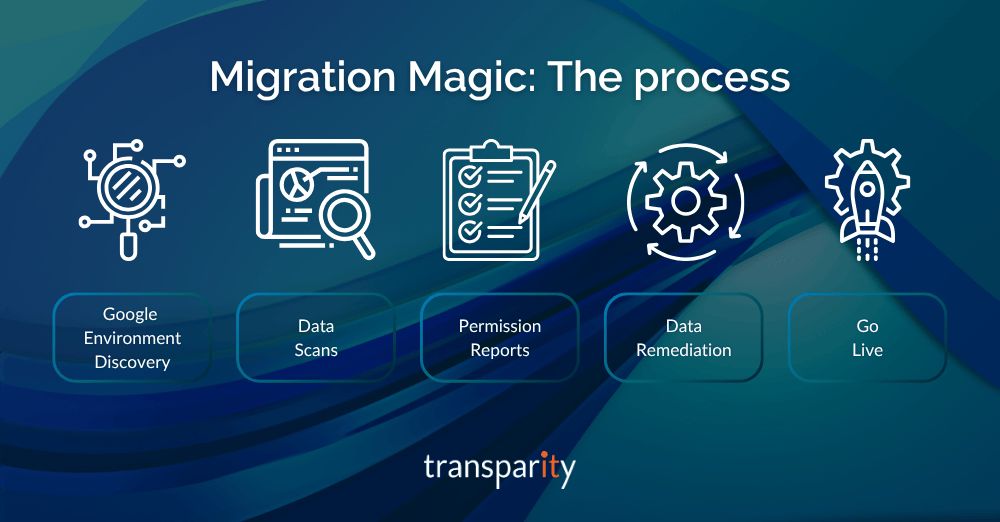
Some of the handy migration tools included with Microsoft include:
- Version history support for migrated Google files
- Automatic formula remediation in Excel
- Seamless sync from Gmail to Outlook
- Delta sync for incremental migrations
- Admin centre visibility and batch scheduling