
AI is transforming how businesses think about workplace accessibility. With new regulations like the European Accessibility Act (EAA) coming into force, it’s no longer enough to view accessibility as a box-ticking exercise. Accessibility is now a real opportunity to build better workplaces, reach more customers and support business growth.
In this blog, we’ll explore why accessibility matters, what it looks like in practice, how AI accessibility tools like Microsoft 365 Copilot are making it easier, and how organisations like the Royal National Institute of Blind People (RNIB) are already seeing results.
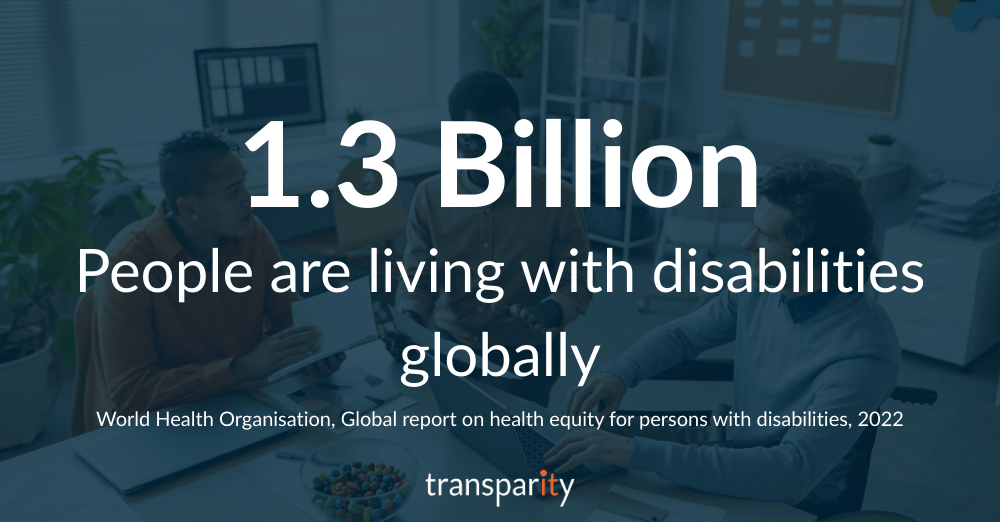
Accessibility isn’t just a nice to have, it’s a business booster
Accessibility means creating an environment where everyone can participate fully and equally, regardless of disability, neurodiversity, or other access needs. It’s not just about compliance; it’s about culture, inclusion, and unlocking talent.
Research consistently shows that accessible workplaces are more productive. For example, captions in virtual meetings benefit not only people who are deaf or hard of hearing but also non-native speakers and those working in noisy environments. AI accessibility tools can make these benefits easier to deliver at scale.
What workplace accessibility actually means
Workplace accessibility covers more than physical adjustments. It includes digital accessibility, ensuring all employees can use systems, tools, and communications effectively.
This can involve:
- Making documents and emails accessible
- Providing inclusive meeting experiences (in-person and virtual)
- Ensuring apps and services are usable by all staff and customers
Microsoft defines accessibility as “making technology usable by people with a wide range of abilities and disabilities”. Accessibility features like automatic captions in Teams, Immersive Reader, and dictation tools help bridge gaps quickly and consistently.
The business benefit of improving accessibility
Investing in accessibility, particularly AI accessibility solutions, can deliver multiple benefits:
- A broader talent pool, attract and retain skilled employees who might otherwise be excluded
- Higher productivity, reduce barriers and friction in day-to-day work
- Brand trust, show your commitment to inclusion to customers, employees, and investors
- Innovation boost, designing for extremes often creates better solutions for all (the ‘curb cut effect’)
- Reduced risk, stay ahead of compliance deadlines and avoid legal or reputational issues
UK accessibility rules in a nutshell
In the UK, two main laws shape workplace accessibility.
Equality Act 2010
Requires employers to make “reasonable adjustments” so disabled employees aren’t disadvantaged.
Public Sector Bodies (Websites and Mobile Applications) Accessibility Regulations 2018
Requires public sector websites and apps to meet WCAG 2.1 AA standards.
While the latter applies to public sector organisations, private sector businesses with public-facing services are increasingly expected to meet similar standards, especially when bidding for contracts.
The European Accessibility Act a quick overview
The European Accessibility Act (European Commission overview) came into force in June 2025, setting common accessibility requirements for digital products and services sold in the EU. This not only impacts EU-based organisations, but also international organisations with a presence in the EU.
It applies to:
- Websites and software
- E-commerce
- Cash machines and ticketing machines
- Transport services
For businesses with EU customers, this means designing for accessibility once and meeting requirements across all EU markets, reducing duplication and opening up new opportunities.
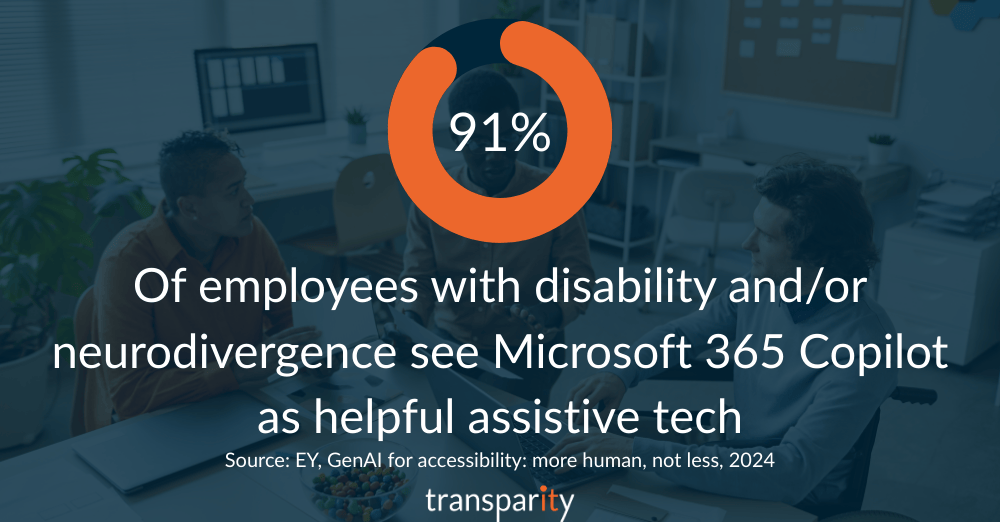
How AI is transforming accessibility
AI accessibility tools remove manual effort and make inclusive practices scalable.
Microsoft 365 Copilot in action:
- Rephrase, summarise, or restructure content for clarity
- Suggest accessible document formatting and headings
- Add plain language summaries for complex documents
- Generate meeting notes for those who can’t attend live
- Integrate with Microsoft’s built-in accessibility tools like Immersive Reader, Live Captions in Teams, and Accessibility Checker
Benefits for employers:
- Consistent accessibility compliance without heavy admin overhead
- Support for neurodiverse employees with structured, easy-to-process content
- Faster, clearer communication across teams
“I can do it now!” RNIB and Microsoft 365 Copilot
The Royal National Institute of Blind People (RNIB) supports people with sight loss to live independent lives. Staff often needed specialist help to create accessible documents, slowing down workflows and creating bottlenecks.
Working with Transparity, RNIB rolled out Microsoft 365 Copilot alongside accessibility training.
“You’re constantly coming across moments where it’s like, ‘I can’t do that,’ or ‘This is not working for me, which means I can’t complete that task’. Whereas now, with Microsoft Copilot, I don’t have to worry about it because I know that I can do it – and most of the time, I do it with one prompt, and it’s there like magic!” Adrienne Bradshaw, Integrated Comms Coordinator at RNIB
The results:
- Faster document creation with correct structure and formatting
- Reduced reliance on specialist accessibility support
- Greater independence and confidence for employees with sight loss
- Knock-on productivity benefits for the whole organisation
RNIB’s story shows that AI accessibility isn’t just about compliance, it’s about empowerment and equality in the workplace.
Futureproof your accessibility strategy
Accessibility is no longer optional. Regulations like the European Accessibility Act and growing expectations in the UK mean organisations must act now. AI accessibility tools like Microsoft 365 Copilot make it faster and easier to get there.
AI makes accessibility achievable at scale and when you build for inclusion, everyone benefits.